Manten Light: Fill & Prompter
Light the shot. Deliver the line.
Turn your iPhone or iPad into a fill light, light meter and teleprompter for short videos, livestreams and everyday shoots.
For iPhone and iPad · Requires iOS 17 or iPadOS 17 or later
Studio
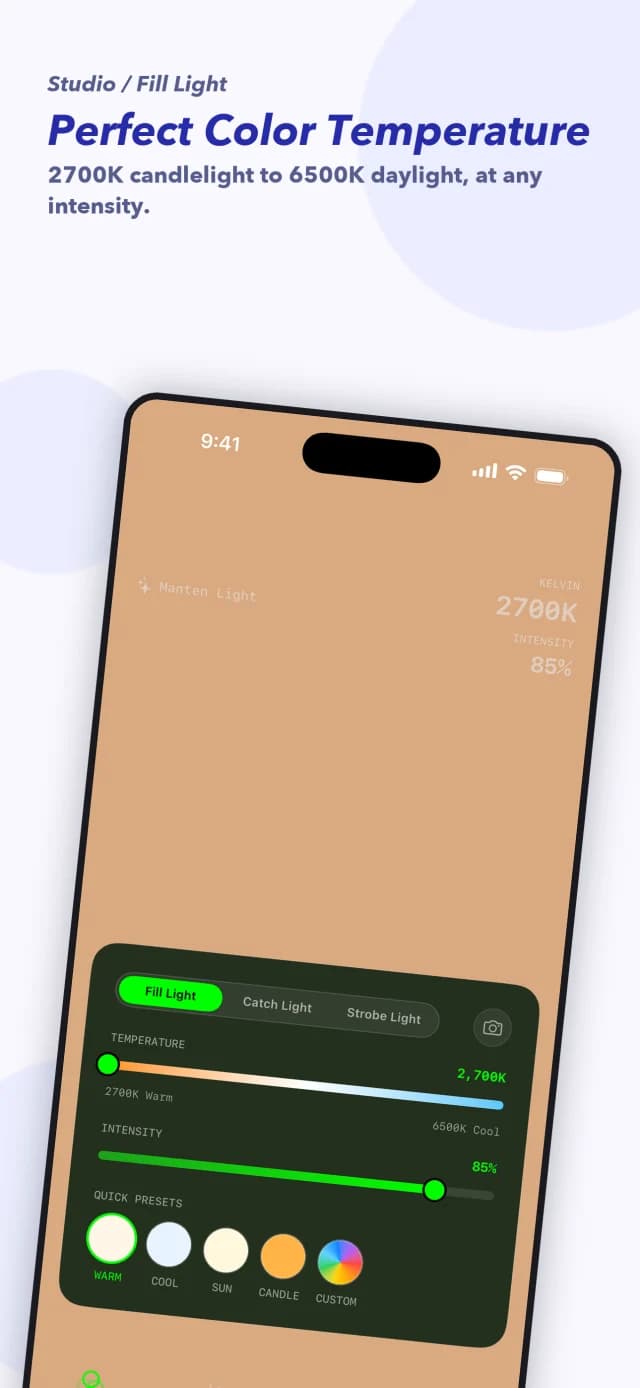
- Fill Light
- Adjust brightness from 0–100% and color temperature from 2700–6500 K, or choose a preset or custom color.
- Catch Light
- Add a ring, heart, star, square or hexagon reflection in your subject’s eyes. Choose the color and add animation.
- Strobe
- Adjust flash frequency and duty cycle for motion effects and light painting.
- Live preview
- Drag the camera preview to see how the light falls on your subject before you shoot.
Mood
Set the scene with flowing color gradients for a quiet evening or a colorful shoot. Adjust the flow speed and add a gentle breathing effect.
Tools
- Light Meter
- Read exposure value (EV) and illuminance in lux. Choose ISO and aperture to calculate shutter speed, then lock the reading.
- Color Meter
- Measure color temperature in Kelvin and copy HEX and RGB values for white balance or color grading.
- Teleprompter
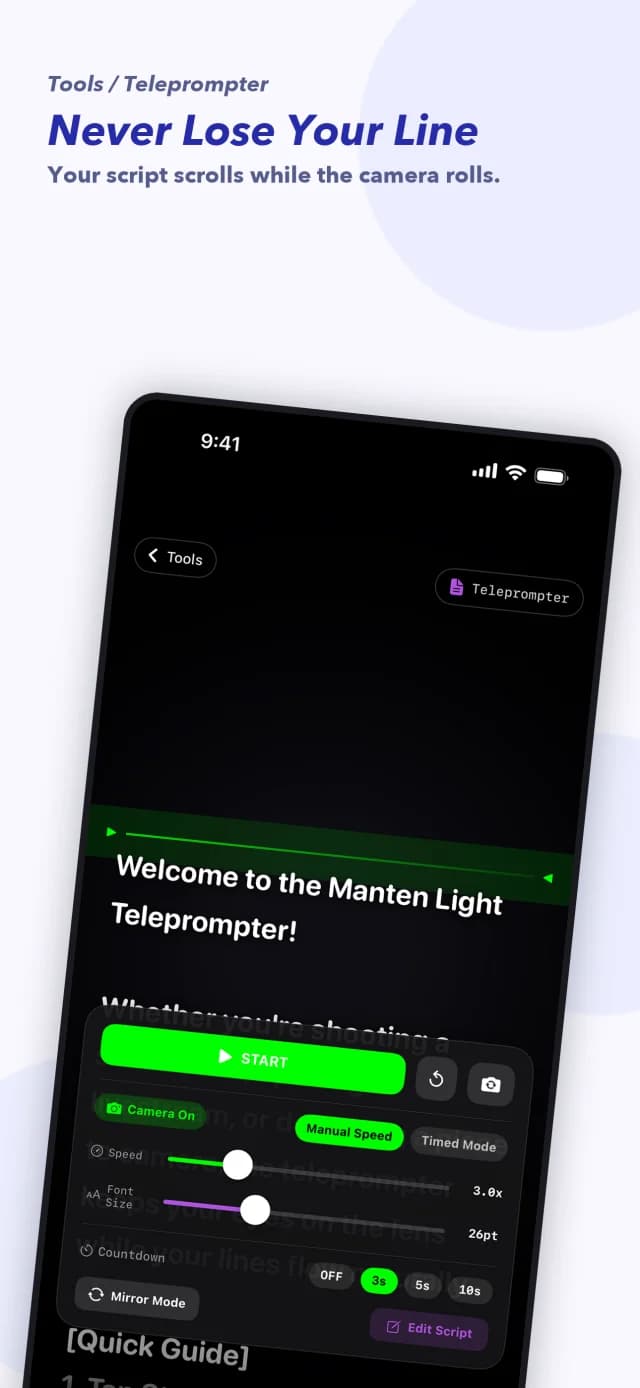
- Record while your script scrolls. Set the speed or duration, change text size, and use countdown or mirror mode.
- LED Matrix
- Create scrolling LED text. Adjust dot size, spacing, speed and direction, then export it as an image.
- Peekaboo
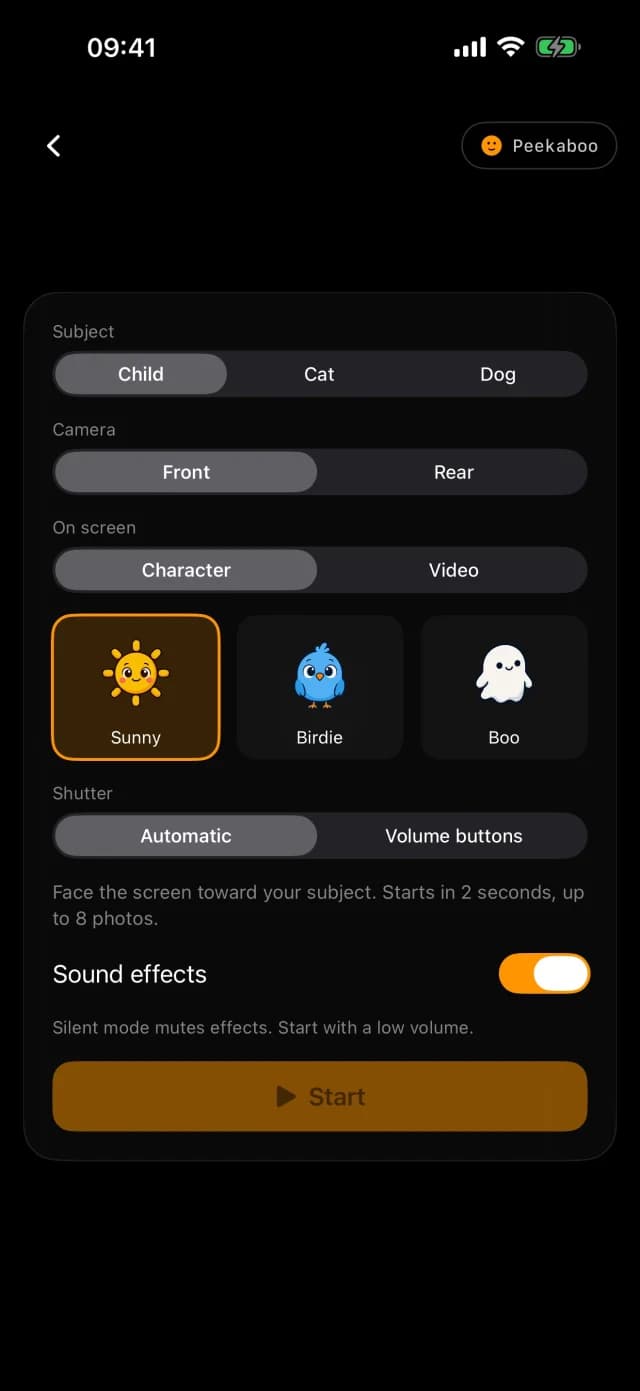
- Use animated characters, looping videos and sounds to get children and pets to look toward the front or rear camera.
Free to download
Studio and Mood are free. Unlock any of the five tools permanently with a one-time purchase, or access them all with a monthly or yearly Manten Plus subscription. See the App Store for local pricing.